
The Top 5 Video Editing Programs for Real Production Work
Every editor has a favourite and every favourite has a reason. Here is what each of the five major programs is actually good at, and how to pick the one that fits the work you are doing.
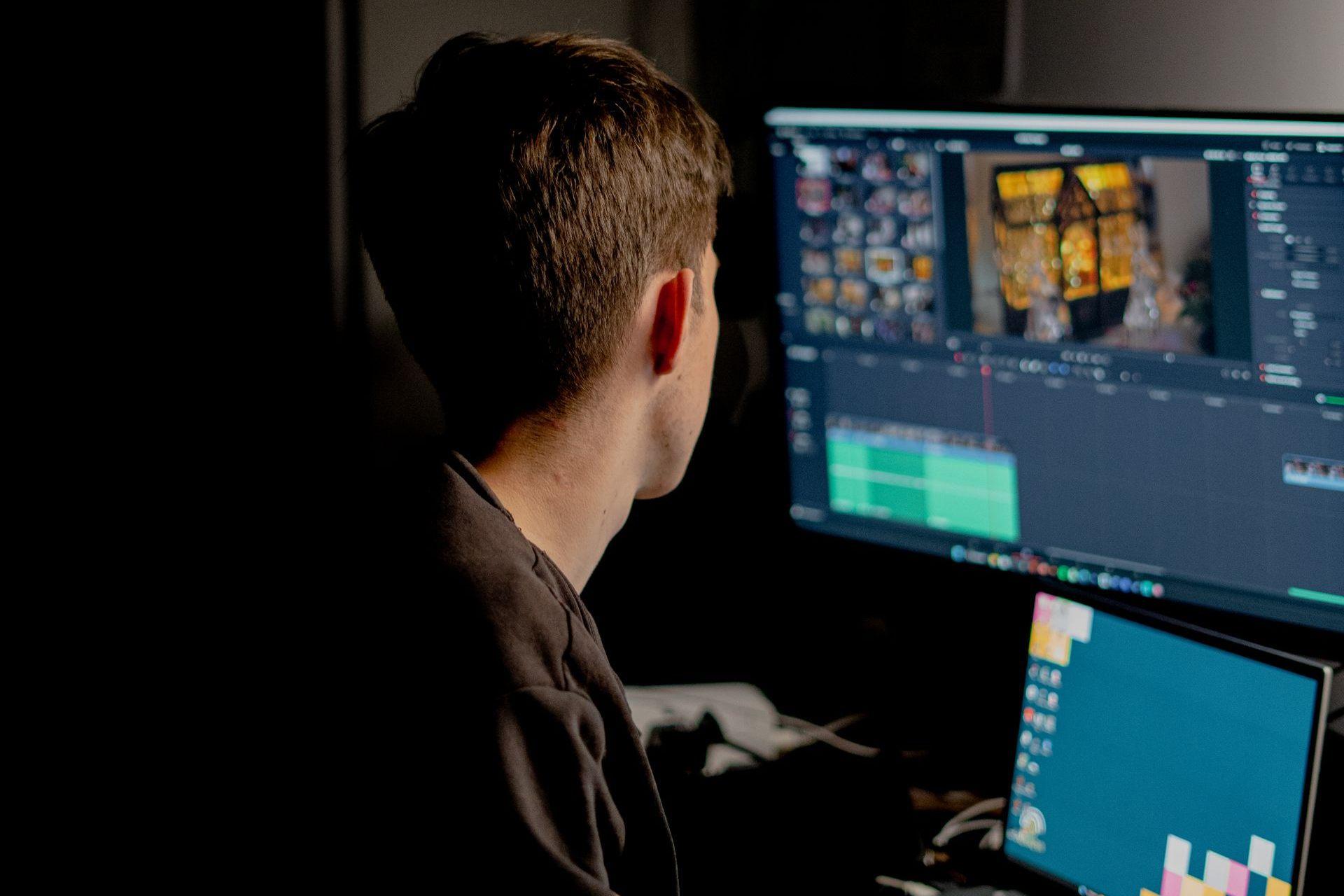
Ask five editors which program is best and you will get five answers and one argument. The honest version is that all of the major editing platforms can cut a broadcast commercial, and the difference between them shows up in the parts nobody demos: how they handle a 200-clip timeline at 2am, how cleanly they hand off to a colourist, how long it takes to onboard a freelancer who has never opened your project.
Here is how the five we actually use stack up, and what each one is genuinely best at.
1. DaVinci Resolve
Resolve started as a colour grading system and it still grades better than anything else in the room. What changed over the last few years is that the edit, sound, and effects pages caught up, so a whole spot can now live in one project file from ingest to delivery without ever round-tripping to another program.
That matters more than it sounds. Every hand-off between programs is a chance for a version to go stale, and on a fast commercial turnaround the version control problem is usually worse than the creative problem. Resolve also has a genuinely capable free tier, which makes it the easiest program to standardise on across a mixed crew of staff and freelancers.
Where it hurts: it is heavy on hardware, and the node-based colour workflow has a real learning curve if your editors came up on layer-based tools.
2. Adobe Premiere Pro
Premiere is the industry's common language. Its actual advantage is not any single feature. It is that almost every editor you might hire already knows it, and that it sits inside the rest of Adobe's toolset, so a title built in After Effects or a still retouched in Photoshop drops into the timeline live and updates when the source changes.
For agency and brand work with a lot of parallel versioning (six aspect ratios, four cutdowns, three languages), that integration saves more hours than any editing feature does.
Where it hurts: long, media-heavy projects can get unstable, and the fix is discipline rather than settings. Consolidate media, keep sequences short, and start a fresh project per deliverable rather than letting one file carry the whole campaign.
3. Final Cut Pro
Final Cut is the fastest program on this list, provided you are on Apple hardware and you have made peace with the magnetic timeline. On Apple silicon it plays back multicam and high-resolution footage that makes other programs stutter, with no proxies and no render wait.
That speed is worth the most on high-volume, quick-turn work: social cutdowns, event recaps, anything where you are producing thirty deliverables rather than one hero film. It is a one-time purchase, which changes the maths if you are equipping several stations.
Where it hurts: the magnetic timeline genuinely does not suit everyone, and collaboration across a larger post team is weaker than the alternatives.

4. Adobe After Effects
After Effects is not an editor and using it as one is the most common way to lose a week. It is a compositing and motion design program, and it is the right tool the moment a shot needs something that was not photographed: titles, lower thirds, screen replacements, cleanup, tracked graphics, product callouts.
The workflow that works is to lock the edit first, then send only the shots that need work to After Effects. Sending a whole timeline is how a two-day graphics job becomes a two-week one.
5. Avid Media Composer
Avid is built for scale: long-form, large teams, months of footage, strict media management. Its bin and metadata system is still the best way to keep thousands of clips findable, and its shared storage workflow is why scripted television runs on it.
For most commercial and branded work it is more infrastructure than the job needs. If you are cutting a documentary series or anything where several editors work the same media for months, that infrastructure is exactly the point.
So which one should you use?
Choose based on the shape of the work, not the feature list:
- Resolve: colour is the deliverable, or you want one program end to end.
- Premiere Pro: lots of versions, mixed freelance crew, heavy graphics.
- Final Cut Pro: high volume, fast turnaround, Apple hardware.
- After Effects, alongside your editor: anything that needs to be built rather than filmed.
- Avid: long-form with a large post team and shared storage.
The one decision worth more than the program itself is naming and folder structure. A well-organised Premiere project beats a chaotic Resolve one every single time, and it is the only part of this that is free.
Related articles
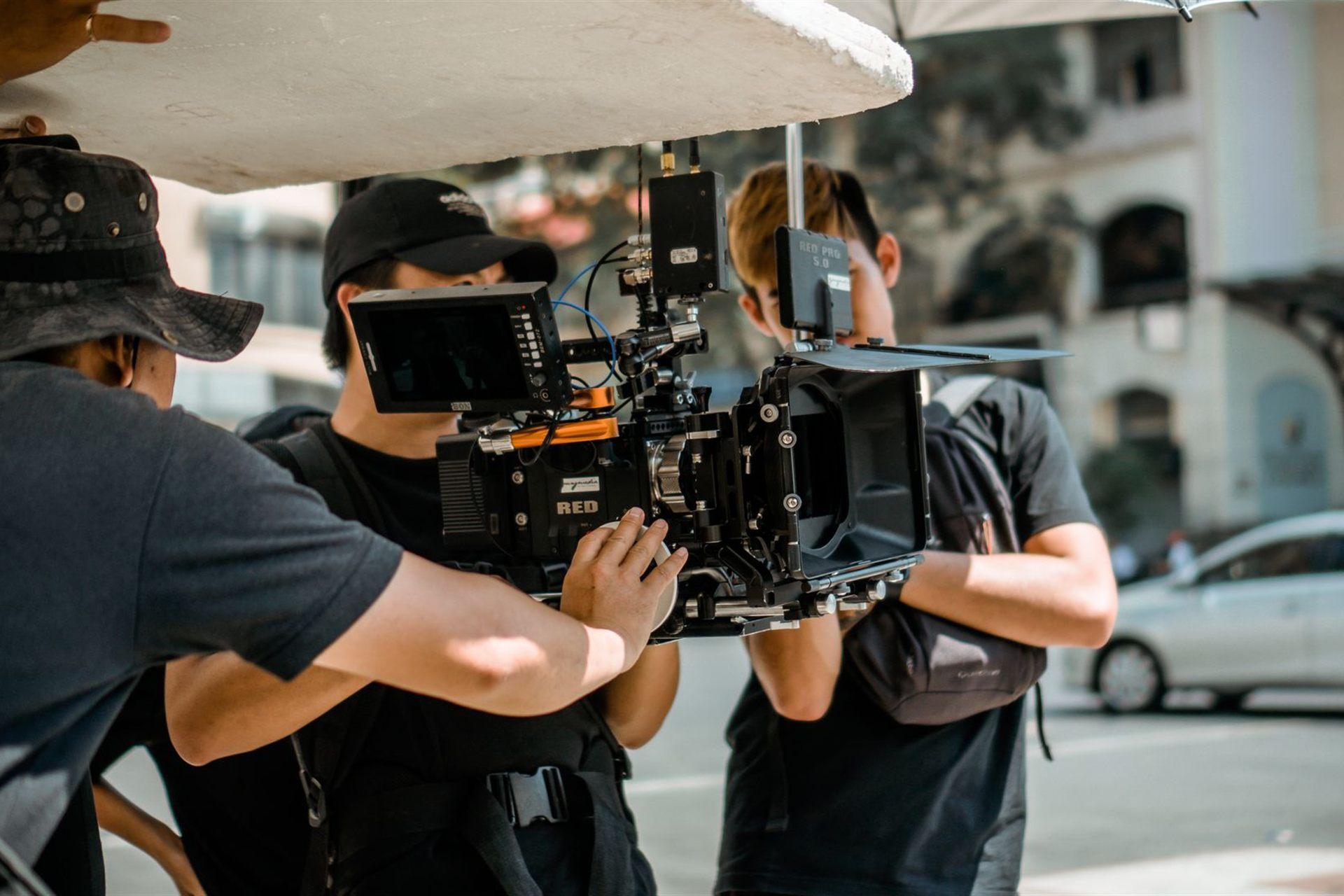
What Actually Happens on a Commercial Shoot Day
If you have never been on set, the day can look like a lot of standing around punctuated by short bursts of filming. Here is what is really going on, hour by hour, and where your input matters most.
4 min read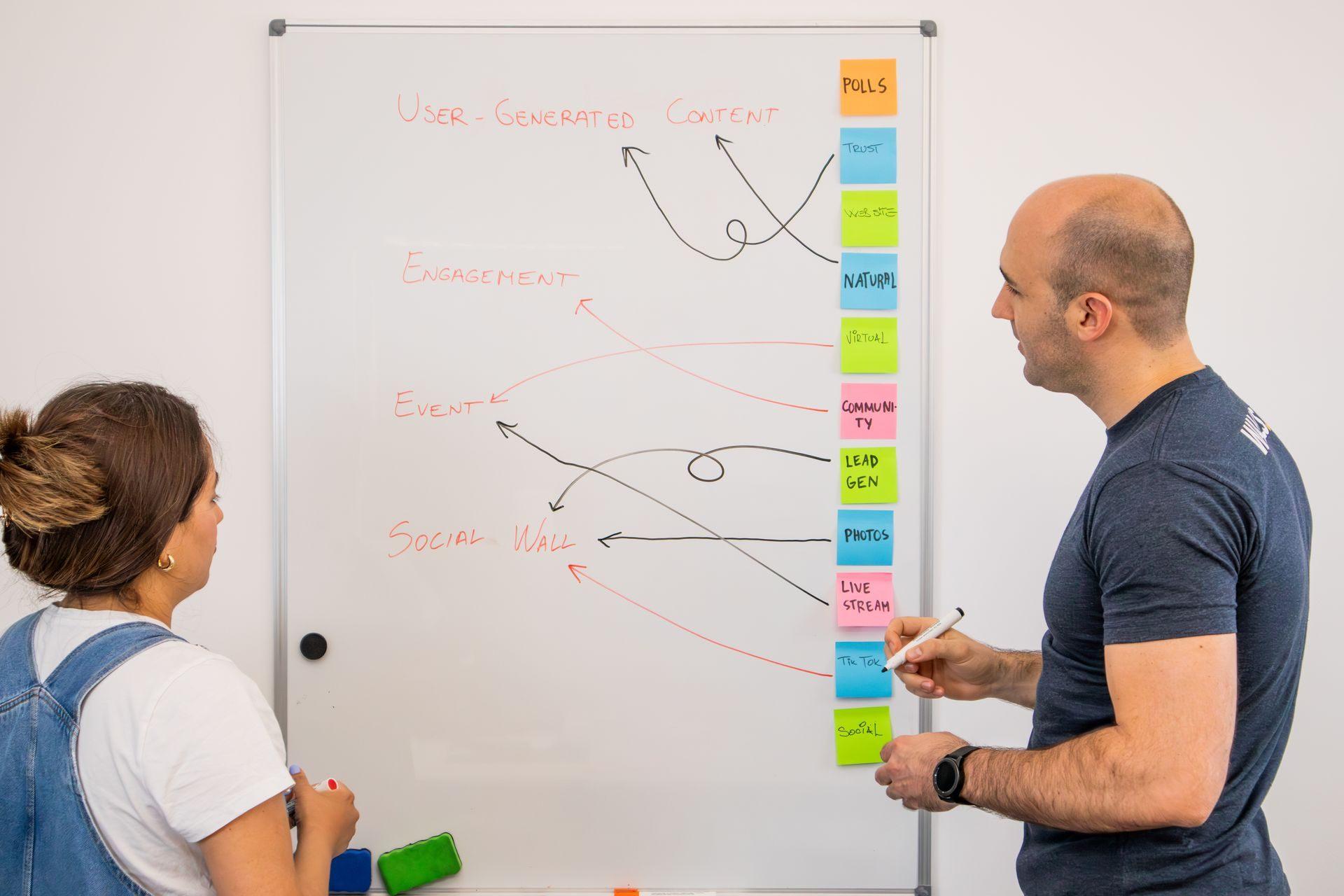
How to Brief a Video Production Company (and Get What You Pictured)
Most disappointing videos trace back to a vague brief rather than a bad crew. Here is what to put in one, what to leave out, and the single question that prevents the most expensive misunderstandings.
3 min read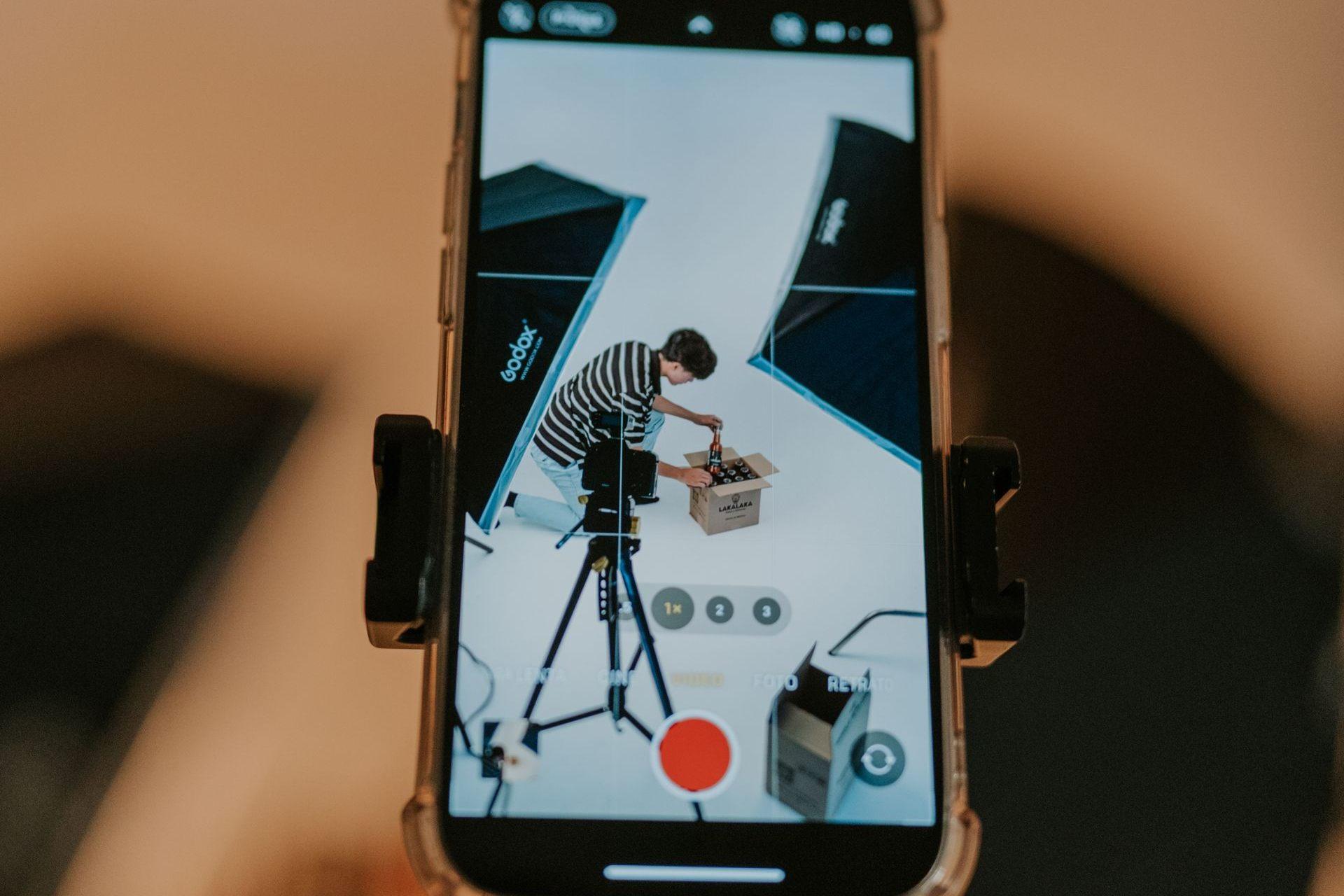
The First Three Seconds: Writing Hooks That Stop the Scroll
Most short-form videos are not disliked. They are never watched. The opening seconds decide it, and hooks are a craft with patterns you can learn rather than a matter of luck.
3 min read